

Product Details
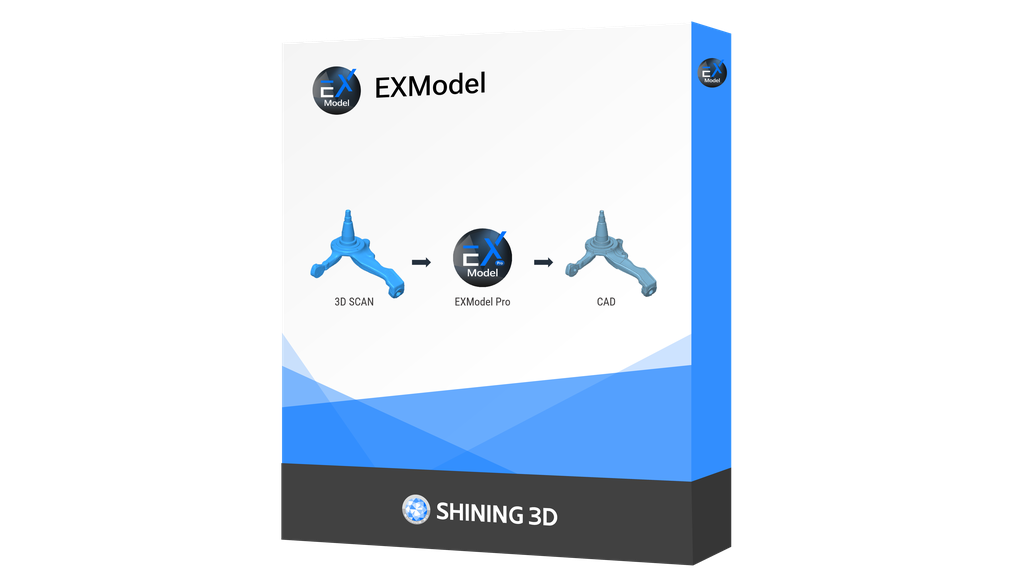
EXModel is a powerful bridge that simplifies CAD modeling from 3D scanning to manufacturing. It provides a comprehensive set of tools that enable you to transform mesh into a professional quality CAD solid model in easy steps. Seamlessly integrating with SHINING 3D scanners.
*Integrated with EXScan HX, FreeScan, and EXStar software, EXModel supports EinScan HX, FreeScan Combo Series, FreeScan UE Pro, and Einstar, with more SHINING 3D scanners coming soon.
Technical Specs
Documentation
Links
Notes
Product Highlights
Top Features


EXModel is a powerful bridge that simplifies CAD modeling from 3D scanning to manufacturing. It provides a comprehensive set of tools that enable you to transform mesh into a professional quality CAD solid model in easy steps. Seamlessly integrating with SHINING 3D scanners.
*Integrated with EXScan HX, FreeScan, and EXStar software, EXModel supports EinScan HX, FreeScan Combo Series, FreeScan UE Pro, and Einstar, with more SHINING 3D scanners coming soon.
| Feature | EXModel Pro | EXModel |
| Mesh Editing (Segmentation, Fill Joles and Smoothing) | ✓ | ✓ |
| Mesh Alignment (Coordinates/ N-points/ Fine Align) | ✓ | ✓ |
| Primitives Extraction/ Construct References | ✓ | ✓ |
| Cross Sections/ 2D Sketching/ 3D Sketching | ✓ | ✓ |
| Fit / Manual Free Form Modelling/ Auto Surfacing | ✓ | ✓ |
| Export Features/ Profile as IGES/STEP/DXF | ✓ | ✓ |
| Constraints/ Offset/ Patterns in 2D sketch | ✓ | ✗ |
| Helix/ Loft/ Sweep/ Fill Surface/ Blend surface/ Flatten | ✓ | ✗ |
| Extrude/ Revolved surfaces | ✓ | ✗ |
| Trim to Solid / Cut / Combine / Intersect / Fillet / Chamfer / Patterns | ✓ | ✗ |
| Hybrid Modelling (Free-Form & Parametric) | ✓ | ✗ |
| Transfer Design and Feature Tree to other Packages | ✓ | ✗ |
Consider upgrading to ExModel Pro for the full suite of advanced features.
