

SHINING 3D EXModel Pro (Perpetual or Subscription)
SHINING 3D EXModel Pro (Perpetual or Subscription)
Seamless Convert 3D Scan to CAD
SKU:111201-000318
Regular price
$8,225.00 CAD
Sale
Sold out
Sale price
Price
$8,225.00 CAD Regular priceStock
Quantity

Product Details
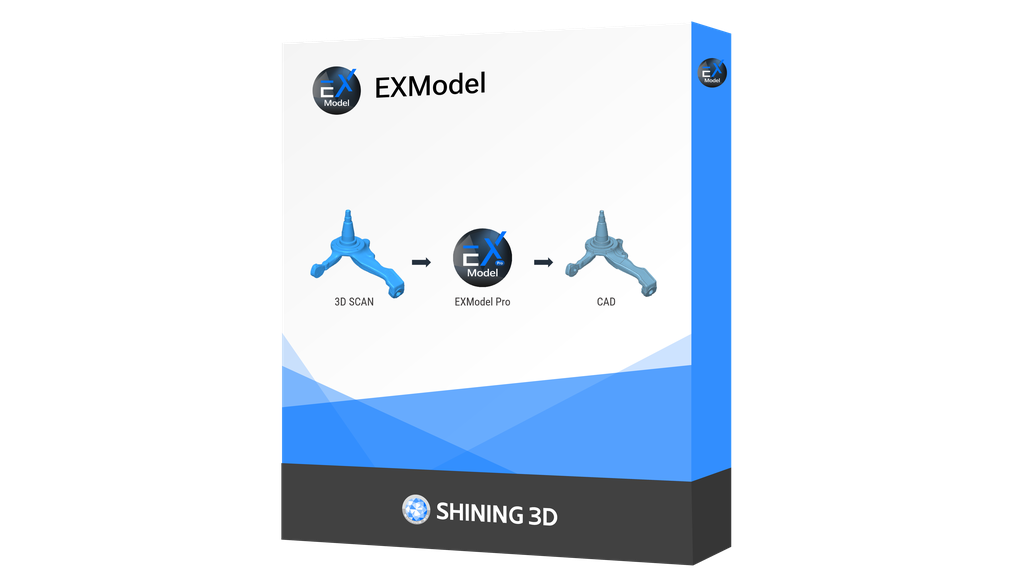
EXModel is a powerful bridge that simplifies CAD modeling from 3D scanning to manufacturing. It provides a comprehensive set of tools that enable you to transform mesh into a professional quality CAD solid model in easy steps.
Seamlessly integrating with SHINING 3D scanners, EXModel Pro includes all EXModel features plus an all-in-one solution for converting mesh data into professional CAD solid models.
*Integrated with EXScan HX, FreeScan, and EXStar software, EXModel supports EinScan HX, FreeScan Combo Series, FreeScan UE Pro, and Einstar, with more SHINING 3D scanners coming soon.
Technical Specs
| Software & Workflow | |
|---|---|
| Supported Operating Systems | |
| Minimum System Requirements | |
Product Information
Documentation
Links
Notes
Product Highlights
Top Features


EXModel is a powerful bridge that simplifies CAD modeling from 3D scanning to manufacturing. It provides a comprehensive set of tools that enable you to transform mesh into a professional quality CAD solid model in easy steps.
Seamlessly integrating with SHINING 3D scanners, EXModel Pro includes all EXModel features plus an all-in-one solution for converting mesh data into professional CAD solid models.
*Integrated with EXScan HX, FreeScan, and EXStar software, EXModel supports EinScan HX, FreeScan Combo Series, FreeScan UE Pro, and Einstar, with more SHINING 3D scanners coming soon.
| Feature | EXModel Pro | EXModel |
| Mesh Editing (Segmentation, Fill Joles and Smoothing) | ✓ | ✓ |
| Mesh Alignment (Coordinates/ N-points/ Fine Align) | ✓ | ✓ |
| Primitives Extraction/ Construct References | ✓ | ✓ |
| Cross Sections/ 2D Sketching/ 3D Sketching | ✓ | ✓ |
| Fit / Manual Free Form Modelling/ Auto Surfacing | ✓ | ✓ |
| Export Features/ Profile as IGES/STEP/DXF | ✓ | ✓ |
| Constraints/ Offset/ Patterns in 2D sketch | ✓ | ✗ |
| Helix/ Loft/ Sweep/ Fill Surface/ Blend surface/ Flatten | ✓ | ✗ |
| Extrude/ Revolved surfaces | ✓ | ✗ |
| Trim to Solid / Cut / Combine / Intersect / Fillet / Chamfer / Patterns | ✓ | ✗ |
| Hybrid Modelling (Free-Form & Parametric) | ✓ | ✗ |
| Transfer Design and Feature Tree to other Packages | ✓ | ✗ |
Consider ExModel Standard if you do not need all of the advanced features.
