


UltiMaker PPS-CF Filament Metallic (0.5kg, 1.1lb)
Product SKU: 235802
$160.00


Please Note: This material is only compatible with the UltiMaker Factor 4, and HT Print Core 0.6mm. Any concerns, please contact our sales team.

Shipping Notes:
If stock is not listed in a Shop3D location, it will be shipped directly from a Canadian distributor warehouse with a longer lead time. Any concerns, please contact our sales team.
UltiMaker PPS CF is a carbon fiber reinforced polyphenylene sulfide (PPS) filament and the next level composite material for the UltiMaker Factor 4. It has excellent performance while still being easy to print using HT print cores.
Tailored and tuned for Factor 4 3D printers. Replace metal and PEEK parts with a cost effective and easy to manufacture solution. PPS CF prints reliably and with great precision on the UltiMaker Factor 4.
- Recommended Print Core: HT 0.6mm
- Spool Weight: 500g
- Filament Diameter: 2.85mm
-
Hardness: 80 Shore D
-
Impact Strength: 11.6 kJ/m²
- Heat Deflection: 230 °C
Ultimaker PPS CF is a carbon fiber reinforced polyphenylene sulfide (PPS) filament and the next level composite material for the UltiMaker Factor 4. It has excellent performance while still being easy to print using the HT print core (please contact sales for further details). PPS CF prints reliably in great precision on the Factor 4, yielding flame-retardant, temperature-resistant (> 230 °C), and chemical-resistant (insoluble in all solvents below 200 °C) parts. It has great strength and stiffness with next-level durability. Replace metal and PEEK parts with a cost-effective and easy-to-manufacture solution.
PPS CF is available in a single color: Metallic Anthracite.
UltiMaker PPS CF can be printed on the UltiMaker Factor 4 using an abrasion-resistant and high-temperature HT print core.
| Printer | Compatible print core |
|---|---|
| UltiMaker Factor 4 | HT 0.6 |
Printer and Print Core Compatibility Notes
- UltiMaker PPS CF has optimized settings for the UltiMaker Factor 4. This ensures a good end-of-filament and end-of-print experience and an optimal build environment. Please make sure to use the latest version of UltiMaker Cura and keep the printer's firmware up to date.
- UltiMaker PPS CF is not supported on the UltiMaker 2(+) series, UltiMaker 3 series, or Original(+). These printers are not abrasion-resistant; components such as the feeders and nozzles will wear at an excessive rate when used with composite materials.
- UltiMaker PPS CF and the HT print core are also not supported on S series printers.
Printing Recommendations
PPS CF can also be used for dual-extrusion prints with support materials, in combination with PVA (water-soluble) or PETG (easy to remove). Make sure you use Cura 5.8.1 or later for improved reliability of printing PPS CF with PVA on the UltiMaker Factor 4. Below you can find the complete dual-material compatibility overview for PPS CF.
Support materials:
- PVA (experimental)
- PETG
- Self-support (PPS CF)
Note: UltiMaker PPS CF is not compatible with Breakaway. PVA is experimental as this may cause jamming issues with some prints, and PVA must be loaded into extruder 1.
Dual material combinations have not been verified, since limited use cases are available. Printing PPS CF in combination with TPU 95A is possible but experimental, because of the potential oozing of TPU 95A in dual prints. Make sure to pre-dry your TPU 95A for better results.
UtiMaker has spent thousands of hours developing Cura profiles to suit their materials, so you can reliably print with optimized print quality. It means that when you’re ready to go, all you need to do is click print – and everything works seamlessly.
PPS CF is an advanced material. Engineering materials offer advanced properties but may require more printing experience to achieve consistent results, even when using default settings.
Tip: Always use the latest version of UltiMaker Cura and make sure that your 3D printer is updated with the latest firmware version to include the correct material profile for UltiMaker PPS CF. Profiles for PPS CF are included in UltiMaker Cura 5.7.1 and higher.
Cura profiles
UltiMaker PPS CF supports intent print profiles. The Engineering profile is optimized for dimensional accuracy, and the Balanced profile offers a good compromise of all settings. PPS CF also has an Annealing profile, for when the print will be post-processed. This profile retains the dimensional accuracy of the printed part after annealing and improves strength, stiffness, and thermal resistance.
Temperatures
UltiMaker PPS CF prints at a nozzle temperature of 320 °C. The build plate temperature is set to 80 °C for reliable adhesion and good release from the flexible build plate. The build volume temperature target for Factor 4 is 50 °C.
The temperatures are the same for all available profiles for Factor 4 and are automatically set correctly.
Adhesion
No glue is required to print on the flexible build plate of the UltiMaker Factor 4. However, for multiple complex objects on the build plate, the use of Magigoo HT on the flexible build plate can improve adhesion.
Caution: The use of Magigoo HT on the build plate can result in over-adhesion, making it more difficult to remove objects and potentially damaging the printed part.
In UltiMaker Cura, the default build plate adhesion method for all PPS CF profiles is a brim. A brim is made of extra lines printed around the perimeter of the initial layer of your 3D print to ensure successful adhesion to the build plate, even for larger models.
After printing, let the build plate cool down completely before removing the flexible build plate from the printer. Bend the plate to release the printed part.
Print environment
PPS CF does not require additional accessories to create a stable printing environment. Factor 4 has a well-insulated build chamber and optimized air control settings. Always keep the door closed during printing to prevent any external influences on the print.
Annealing
Annealing means the treatment of a 3D printed part in an oven. For UltiMaker PPS CF, annealing will improve its mechanical properties and its heat resistance. UltiMaker Cura has a specialized annealing intent profile with the best settings that ensure dimensional accuracy remains intact.
Tip: Find more information about annealing on this page.
Optimize Z strength
Due to the fiber orientation, the strength and stiffness of the printed object are the highest in the XY and YZ planes. Therefore, it is important to take the orientation of the part into account during the design and/or slicing process.
Tip: More tips and tricks to improve Z strength can be found on this page.
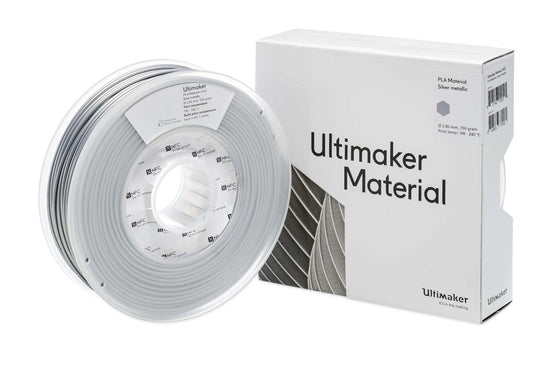
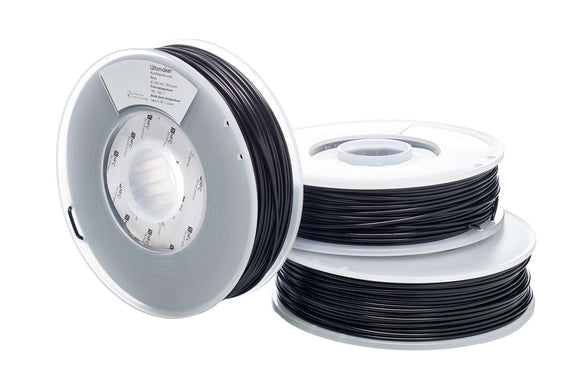
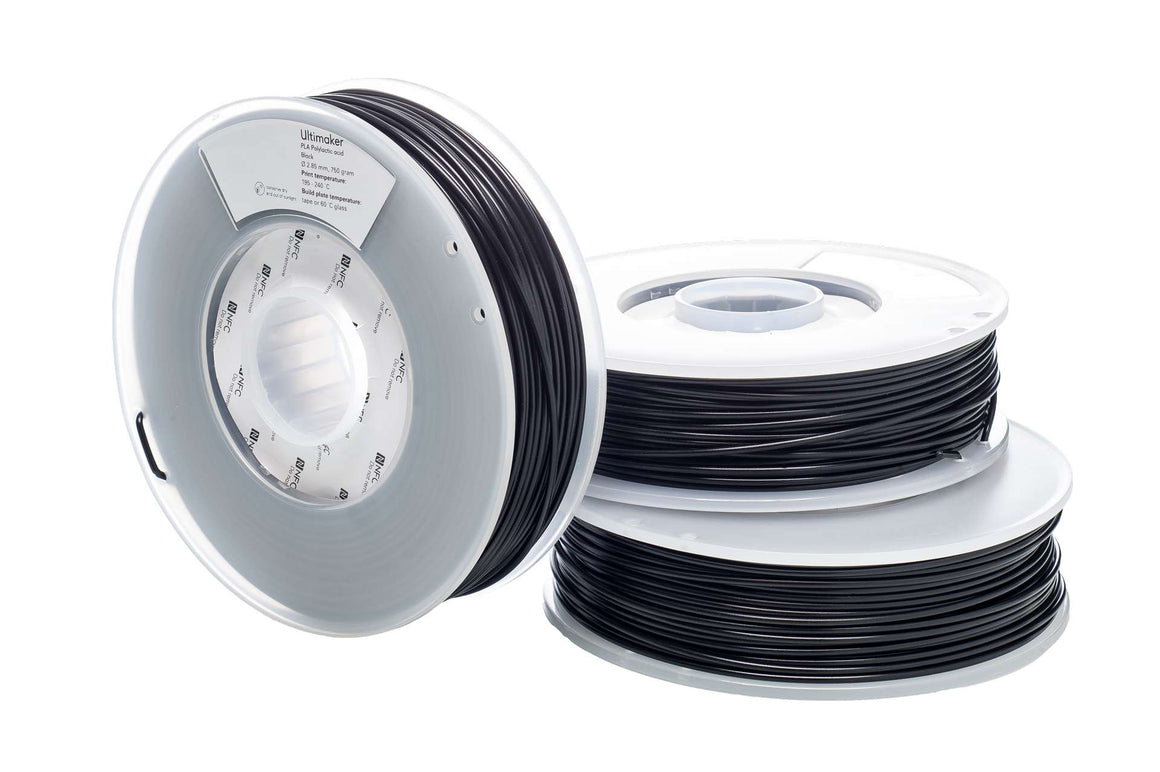
UltiMaker PLA Filament
$84.00
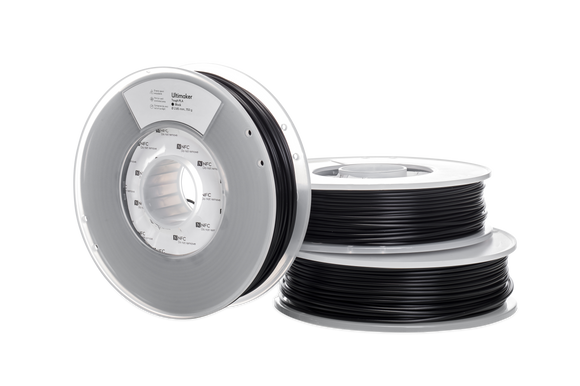
UltiMaker PLA Filament PLA is Shop3D's recommended choice for all 3D Printing for Schools/Libraries/Homes. It is easy to print, does not have offensive odours and the colours are nice and...
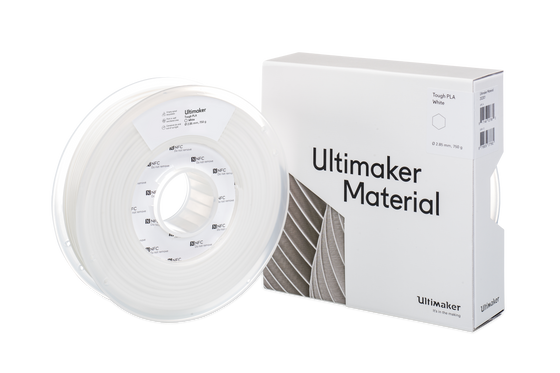
UltiMaker Tough PLA Filament
$84.00
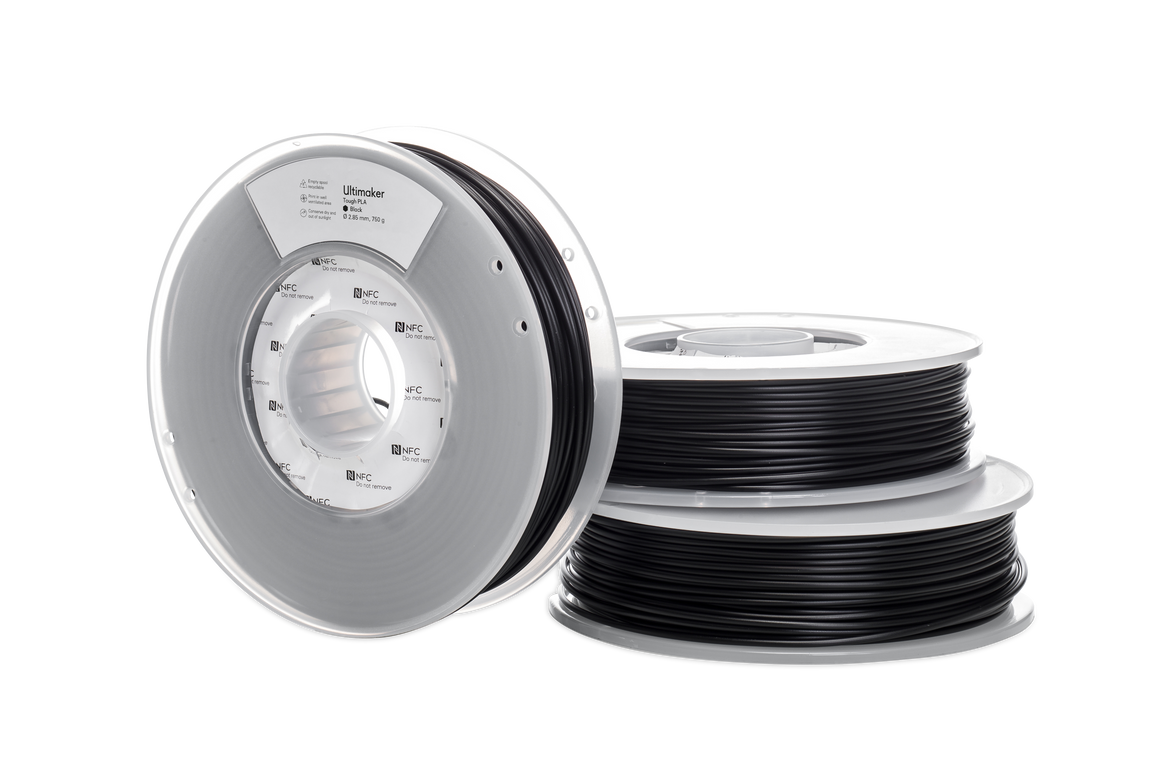
UltiMaker Tough PLA Filament UltiMaker Tough PLA is a technical PLA (polylactic acid) material with a toughness similar to ABS. It is ideal for printing functional prototypes and tooling at...
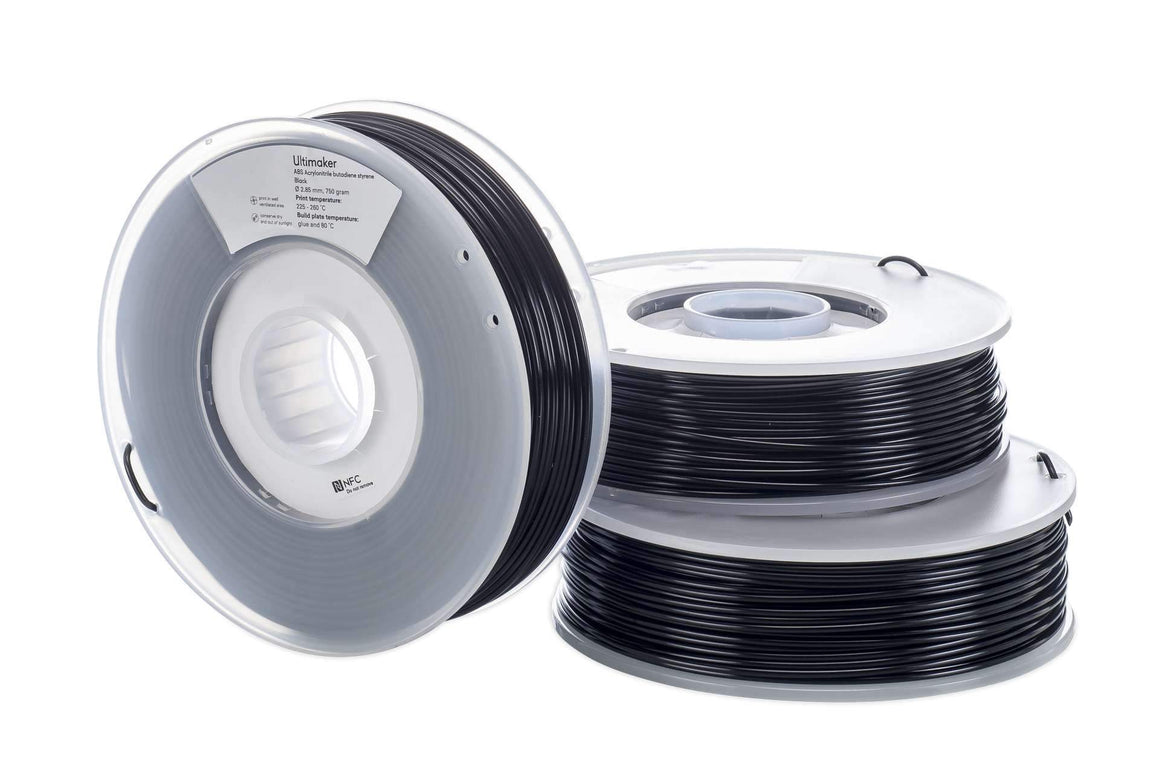
UltiMaker ABS Filament
$84.00
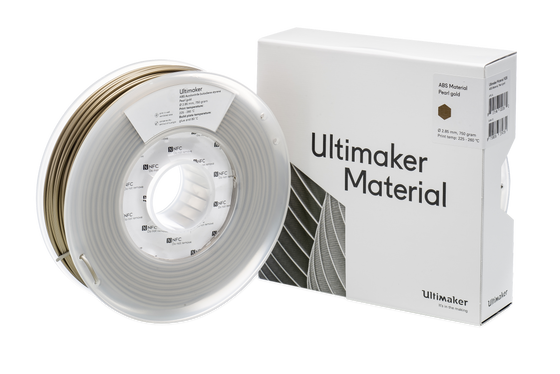
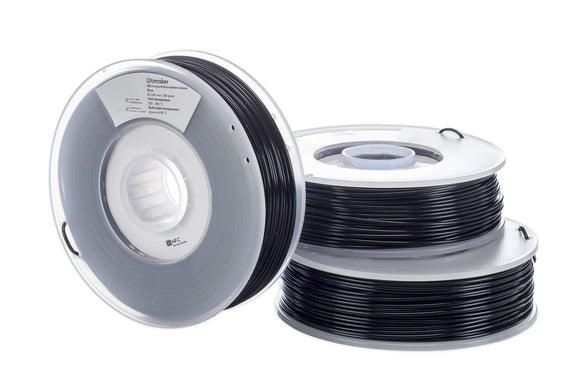
3D Printing with ABS does release harmful odours. ABS should not be used in a classroom environment without an enclosure and filtration. ABS printing should be conducted in a well-ventilated...
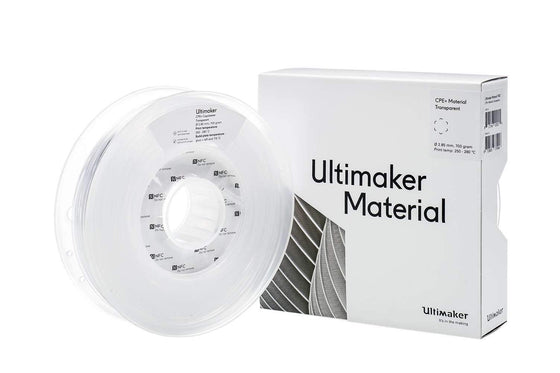
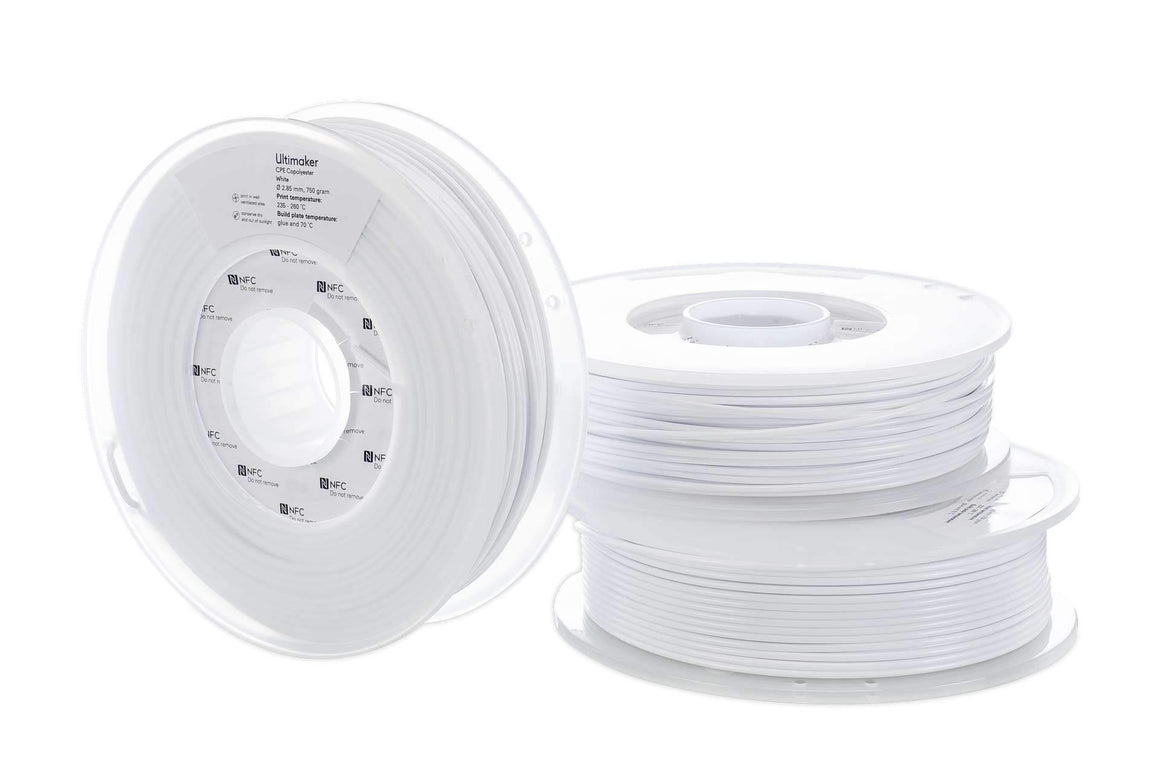
UltiMaker CPE Filament
$79.00 $98.00
For best results with Engineering filaments, consider the Advanced 3D Printing Kit for added reliability. UltiMaker CPE SDS UltiMaker CPE TDS UltiMaker CPE+ UltiMaker CPE+ material is chemical resistant with high dimensional...
Request a Free Custom Quote
Use our easy tool to build a customized quote.
Request a Custom 3D Print Sample
Let us prove that the technology will work for your use case.
Speak with an Expert
Talk 1:1 with an expert. Tell us your challenges and our team will help you find the best solutions to meet your unique needs.
